
Technology · Exhibit 44-A · IBM PC110 · Download
GAME for MS-DOS.
A free remake of "GAME", the tile puzzle IBM Japan shipped with the PersonaWare software on the IBM PC110 palmtop in 1995. It plays by the 1995 rules and scoring, on the original board of 9 rows by 19 tiles, drawn in the artwork of the 2014 iPhone version. Free to download, play and pass on.
SHA-2567a61686c98d8ff655c5cecfa3ad9b15aee4e02c8ac02815f5add399ea45671f0
Tested so far: in an emulated 486 (QEMU) running PC DOS, in both 256 and 16 colours. It has not yet been run on a real PC110. If you try it on yours, I would like to hear how it goes, through the contact page.
GAME runs under CWSDPMI, which is copyright Charles W. Sandmann and is distributed unmodified. You have the right to its source code and to updates, both at delorie.com/pub/djgpp/current/v2misc/ (csdpmi7s.zip is the source, csdpmi7b.zip the programs).
- Runs on
- 386 or later · 4 MB · VGA
- System
- MS-DOS 5+ · PC DOS · FreeDOS · DOSBox
- Board
- 9 x 19, as in 1995
- Price
- Free
Watch a game
From the title screen to a cleared board
Screens
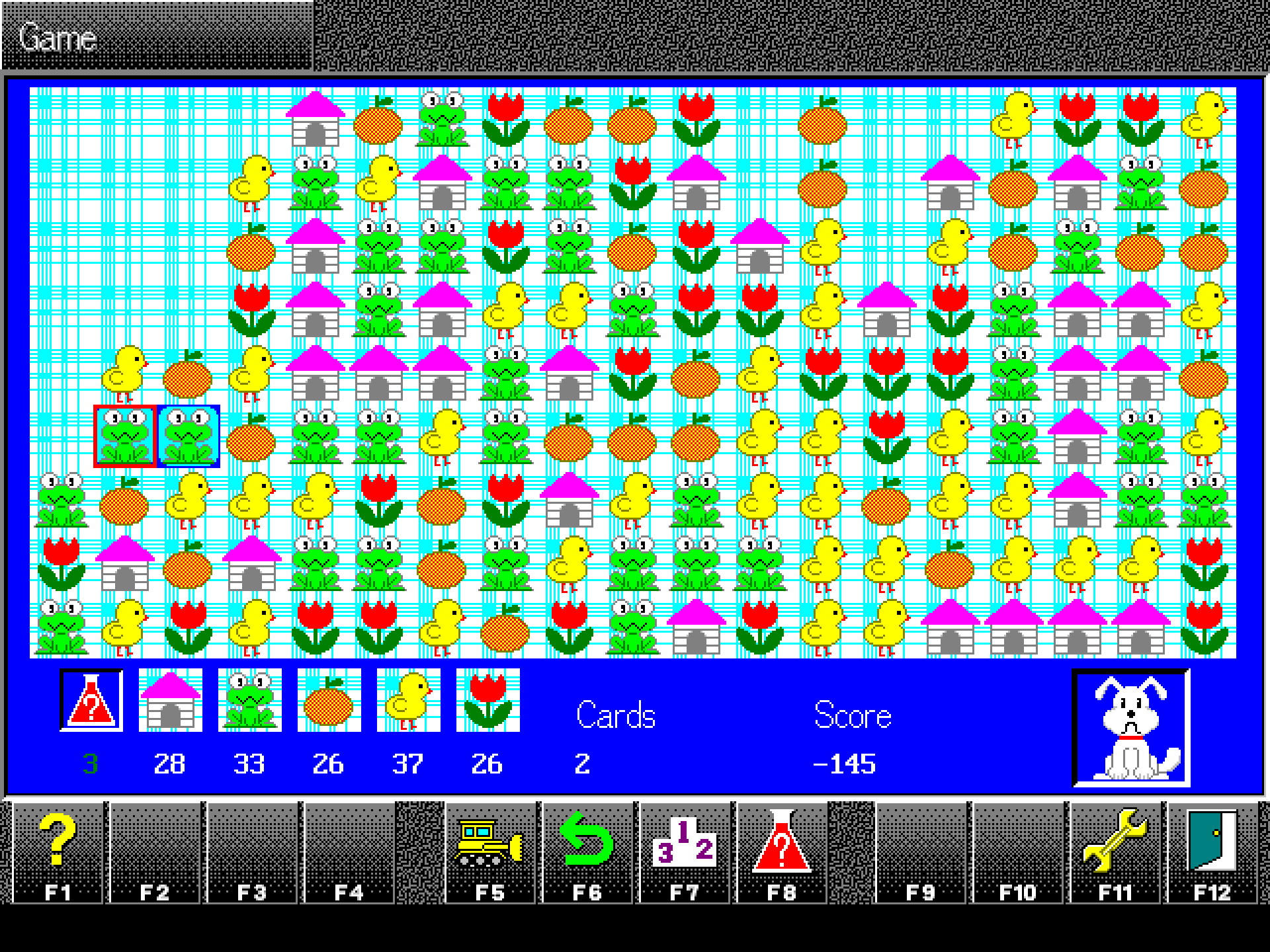
At the DOS screen's own 640 x 480, every pixel kept sharp
-
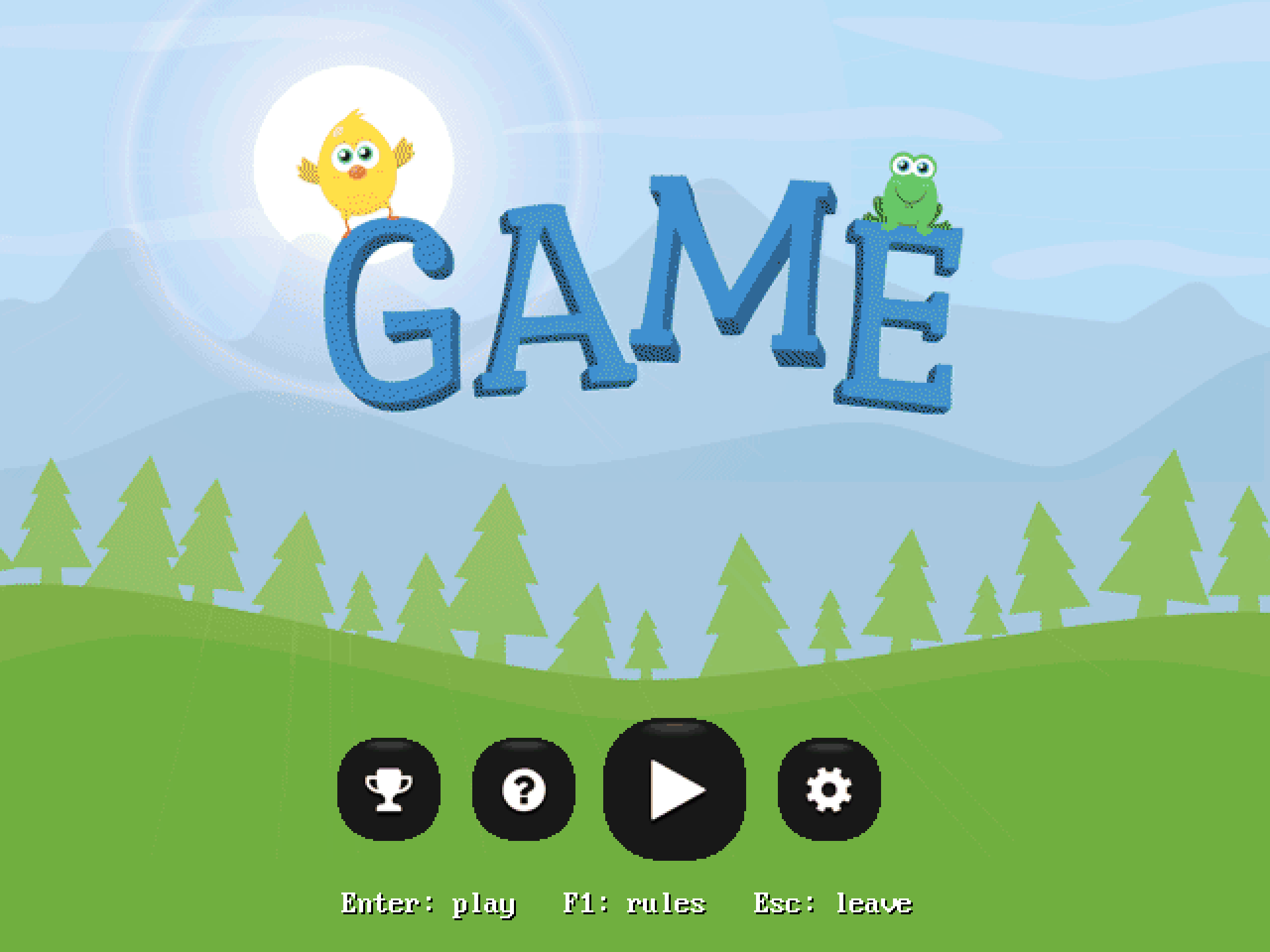
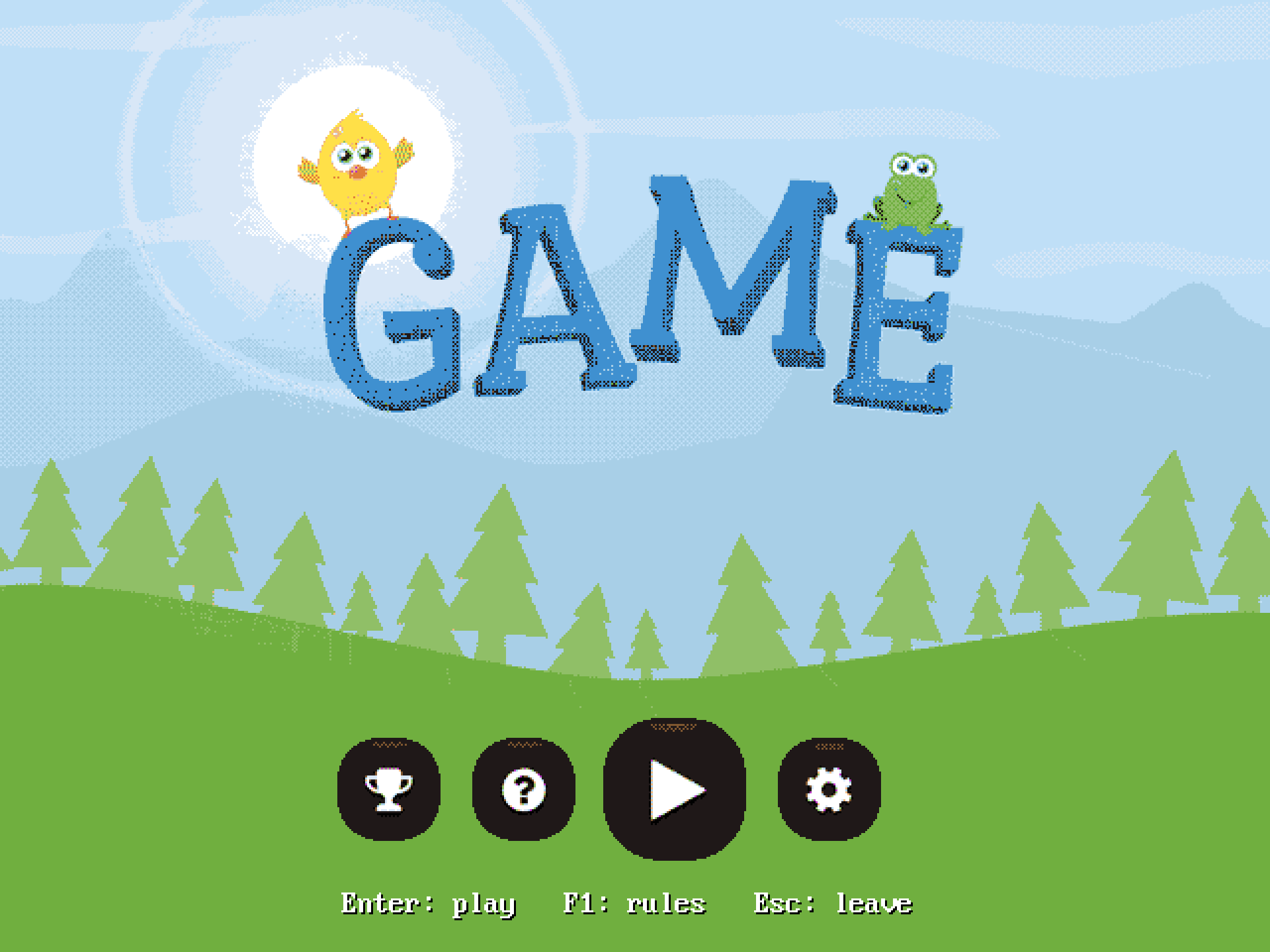
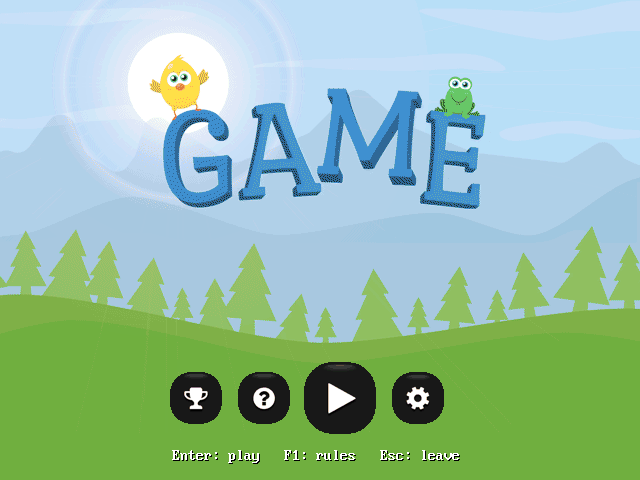 TitleThe title screen.
 -
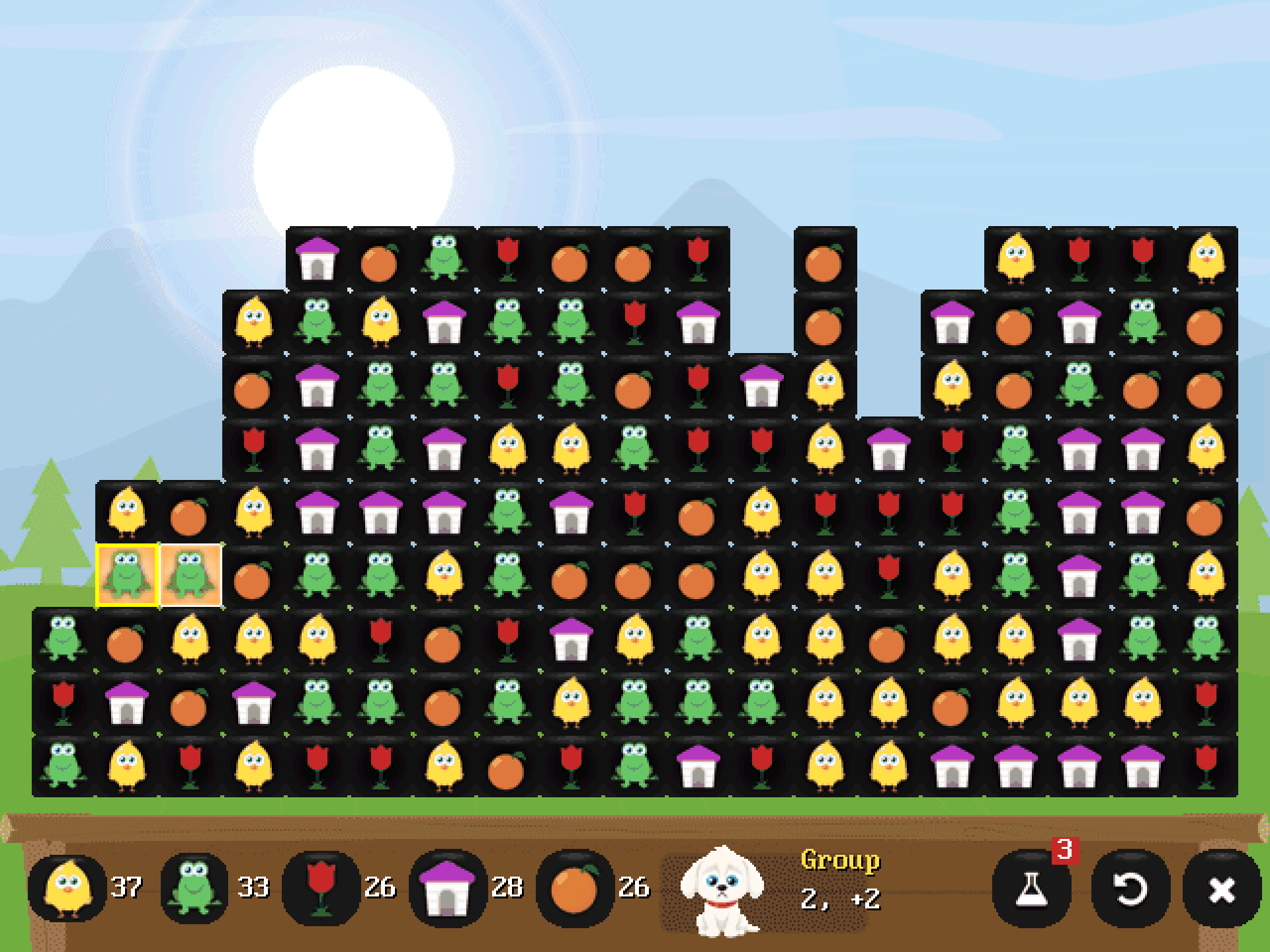
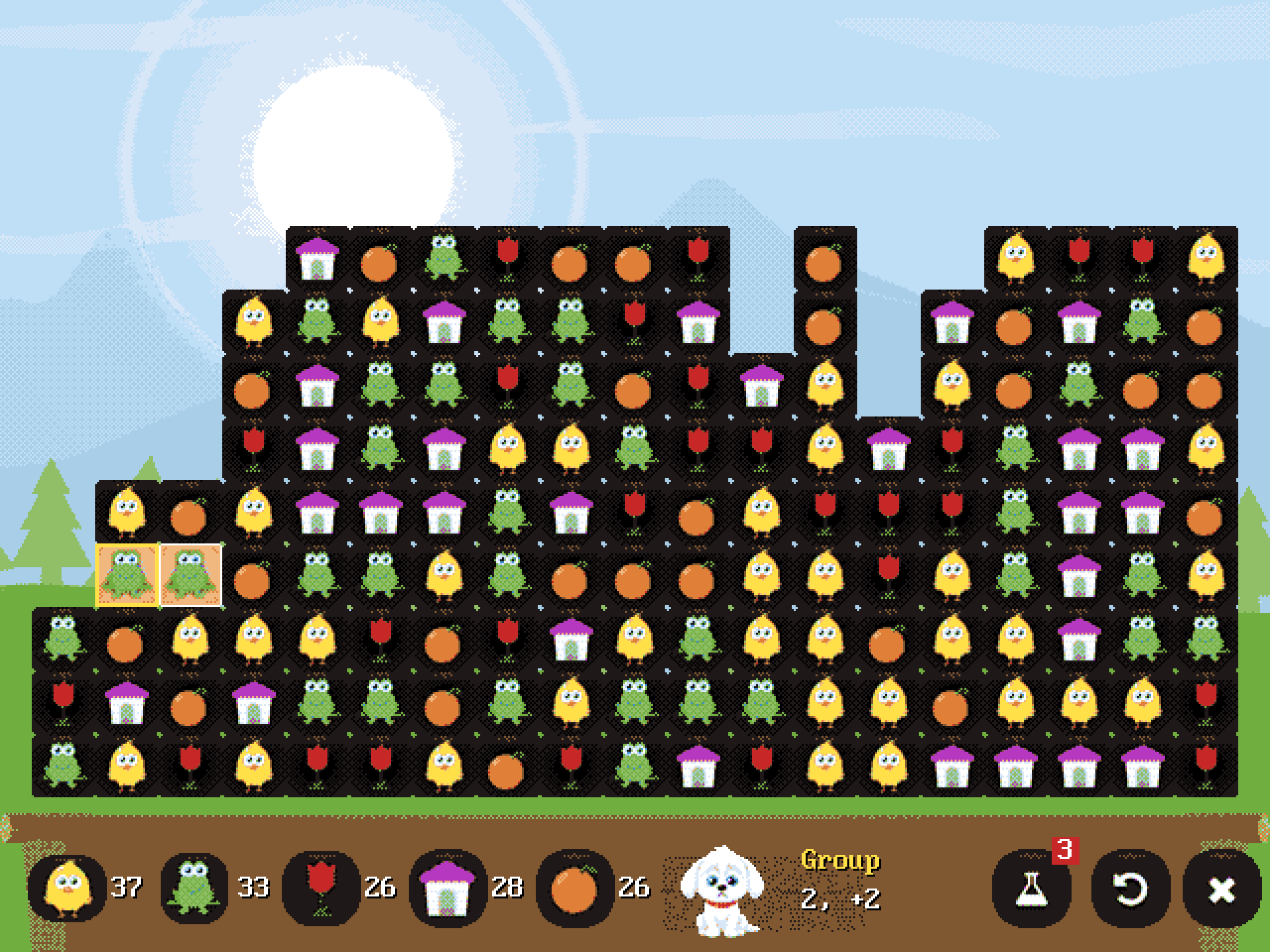
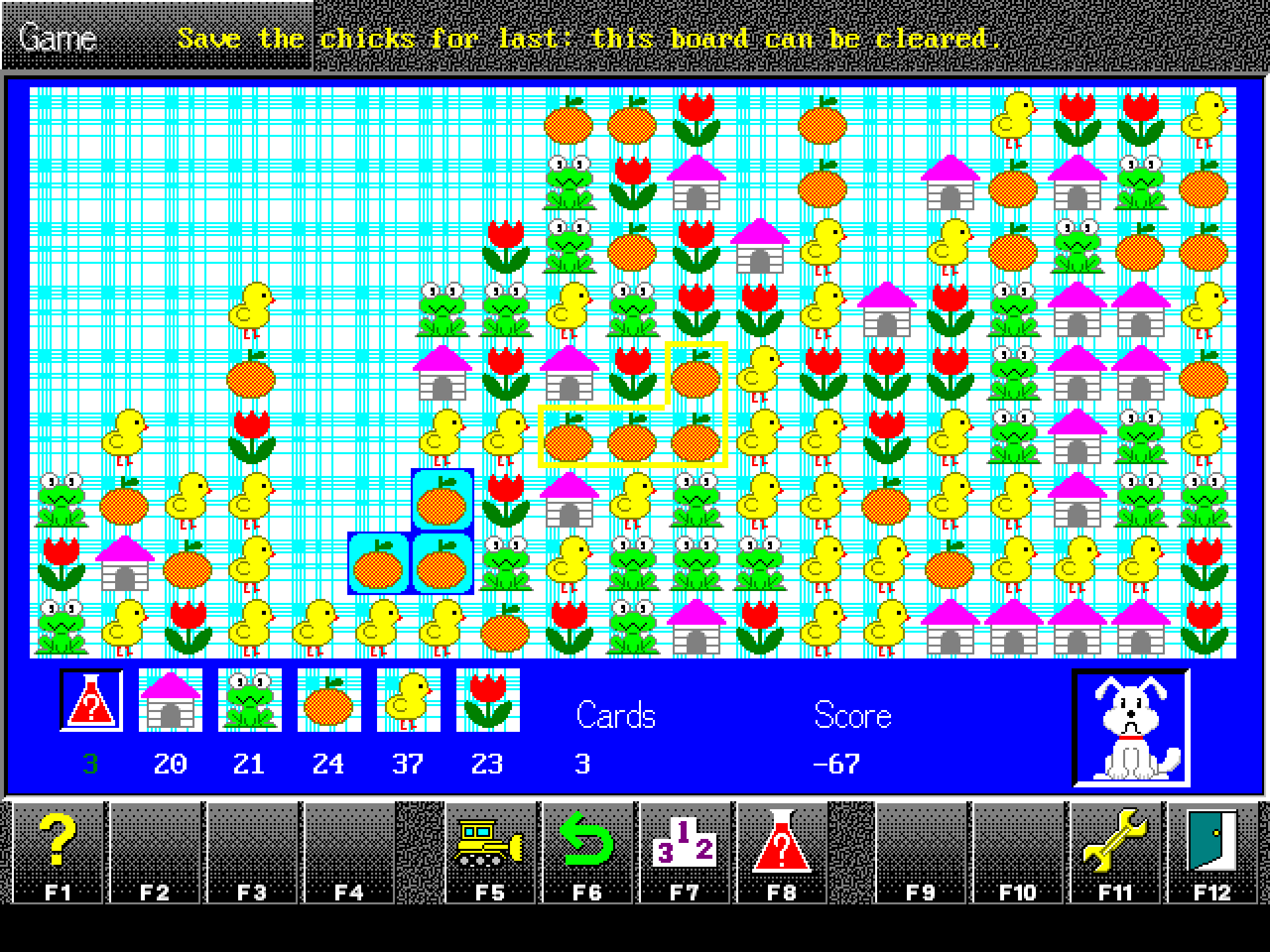
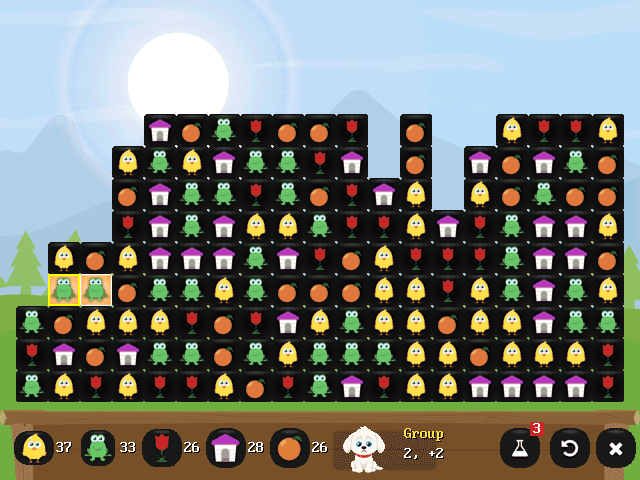 PlayThe group under the cursor shows its size and points.
 -
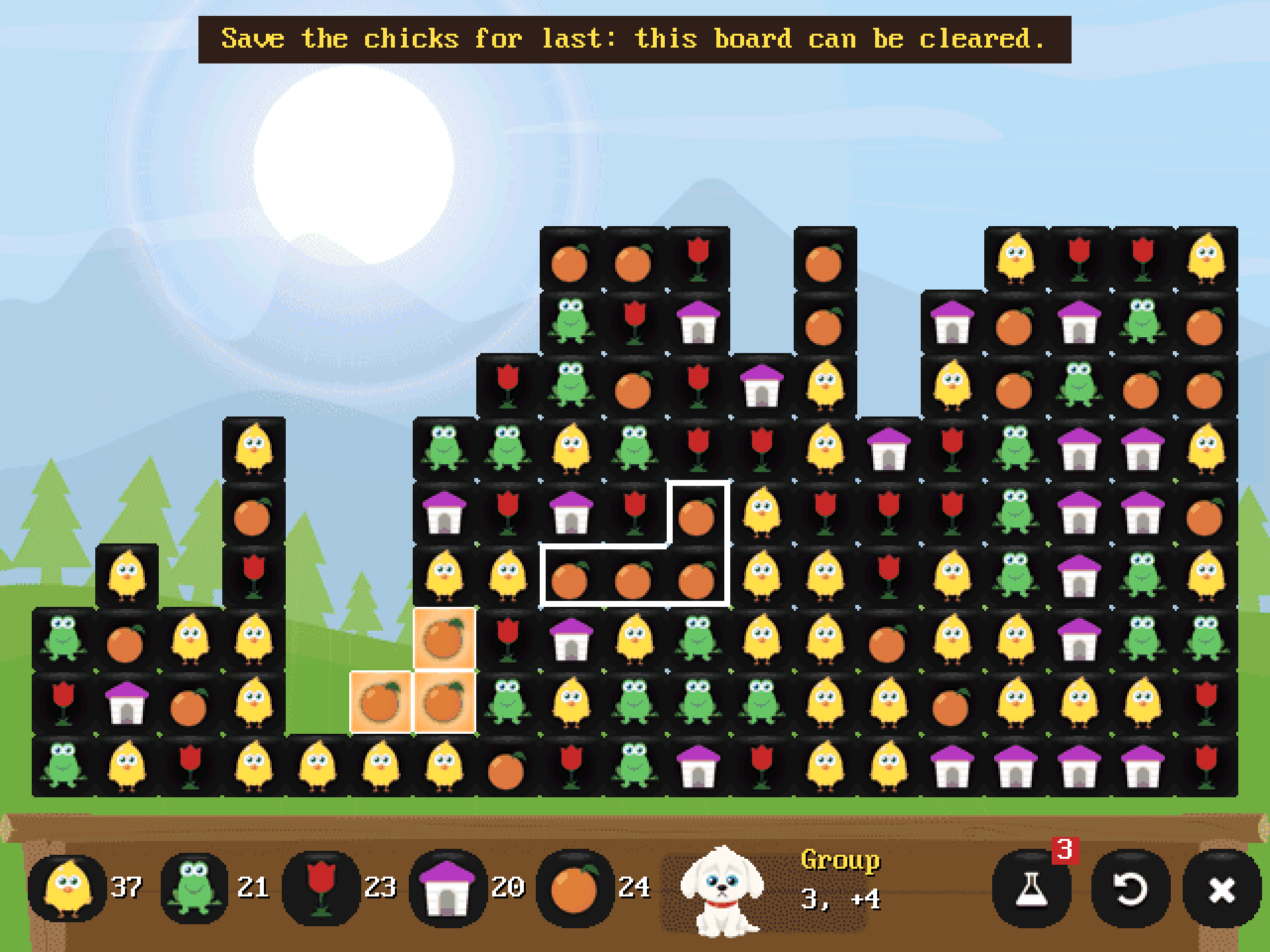
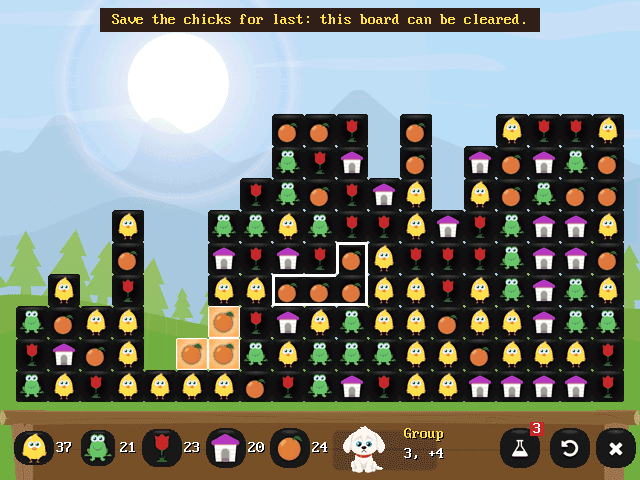 Hint (H)"Save the chicks for last: this board can be cleared."
 -
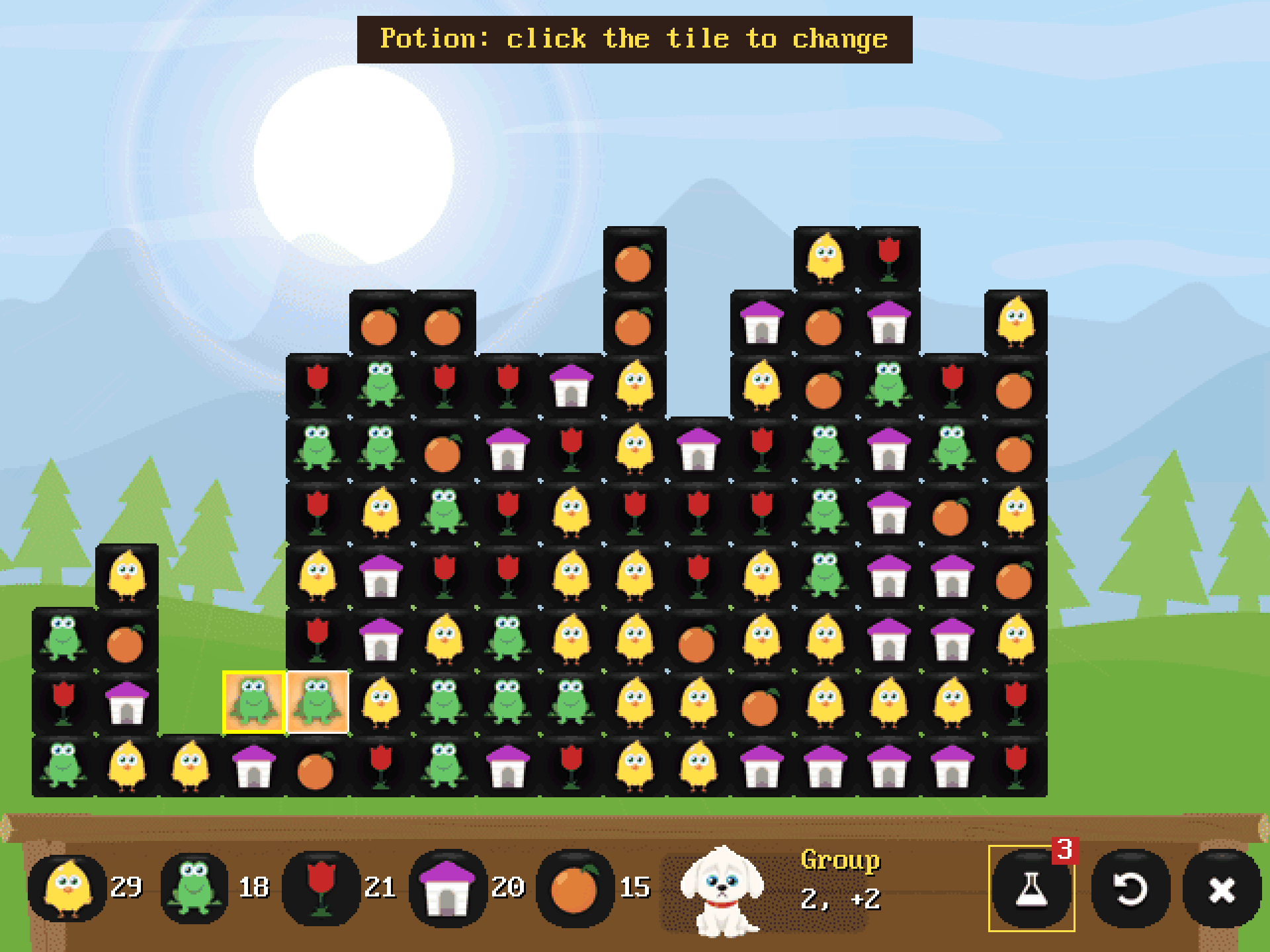
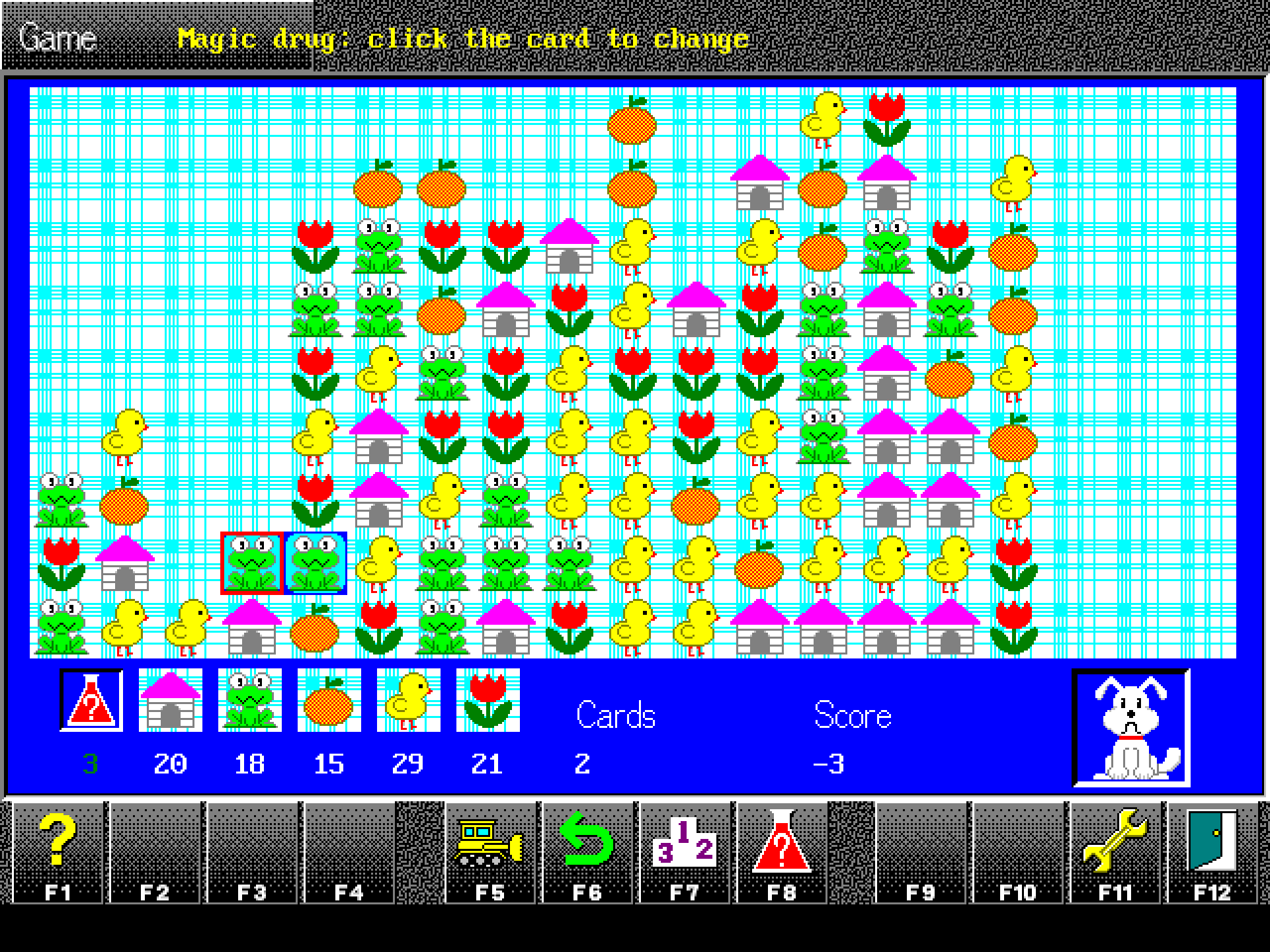
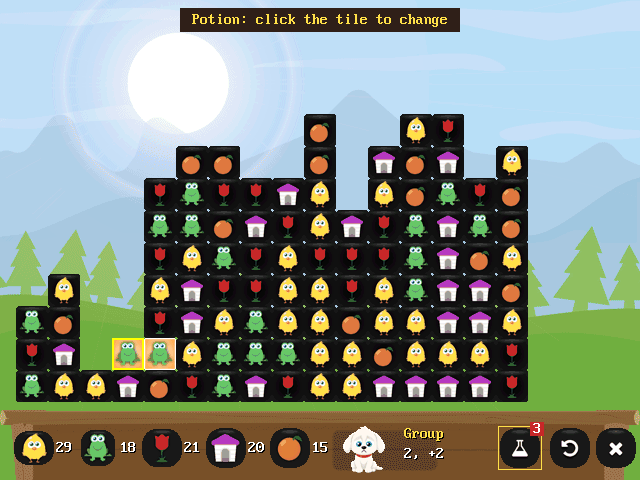 Potion (F8)Three a game, 100 points each.
 -
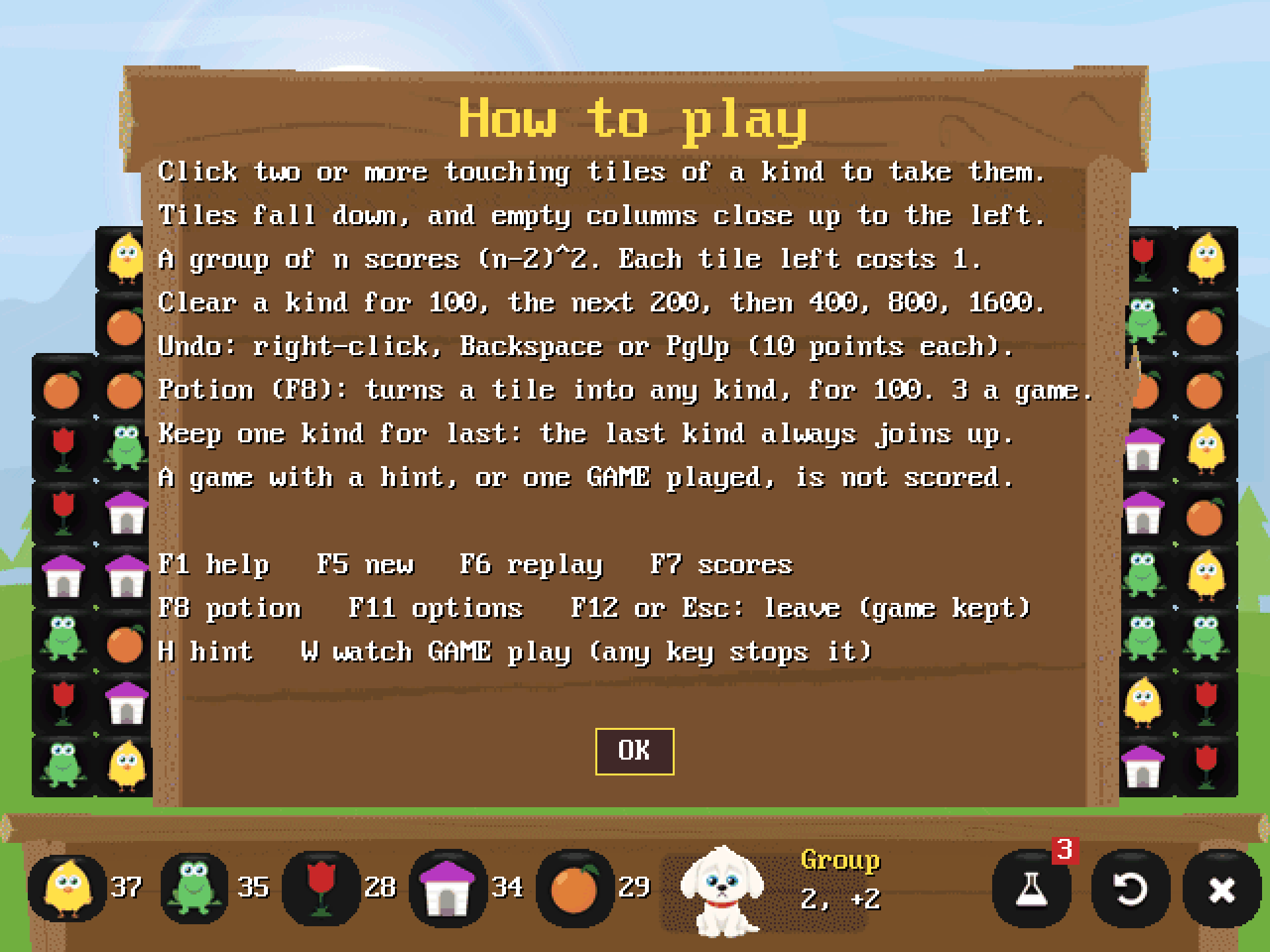
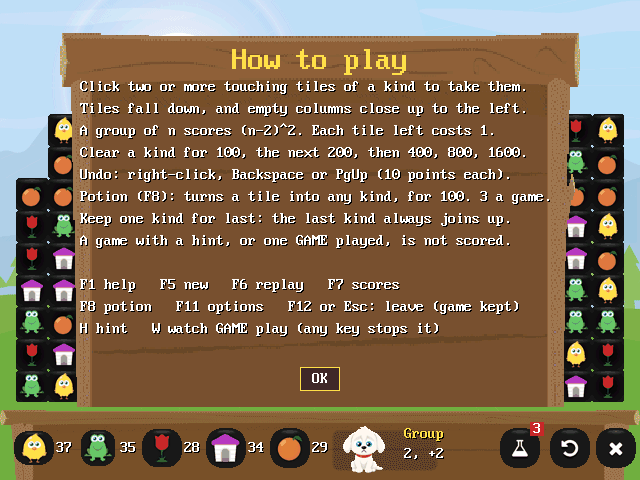 How to play (F1)The rules and keys, a key press away.
 -
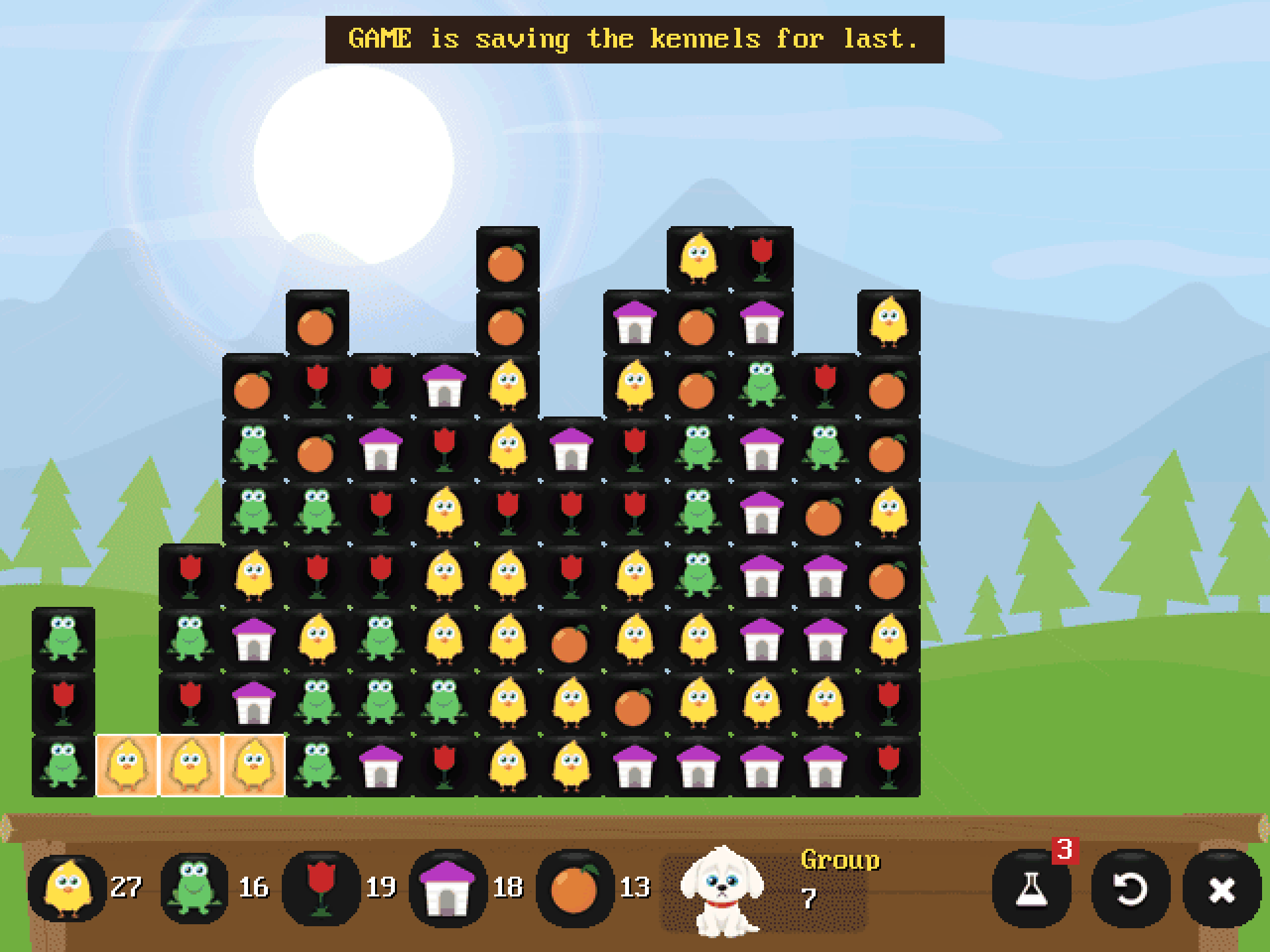
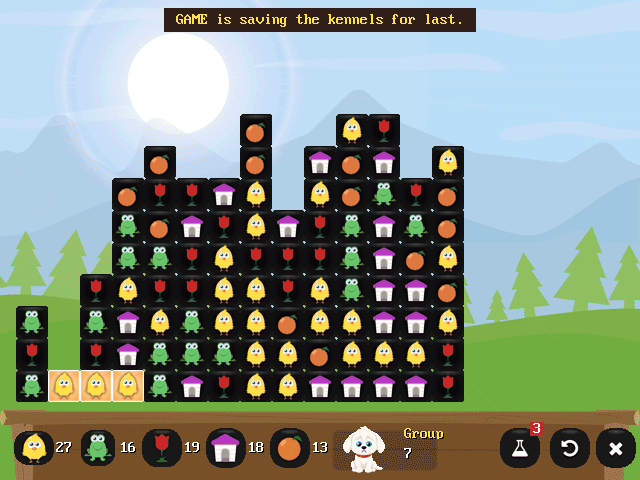 Watch GAME play (W)"GAME is saving the kennels for last."
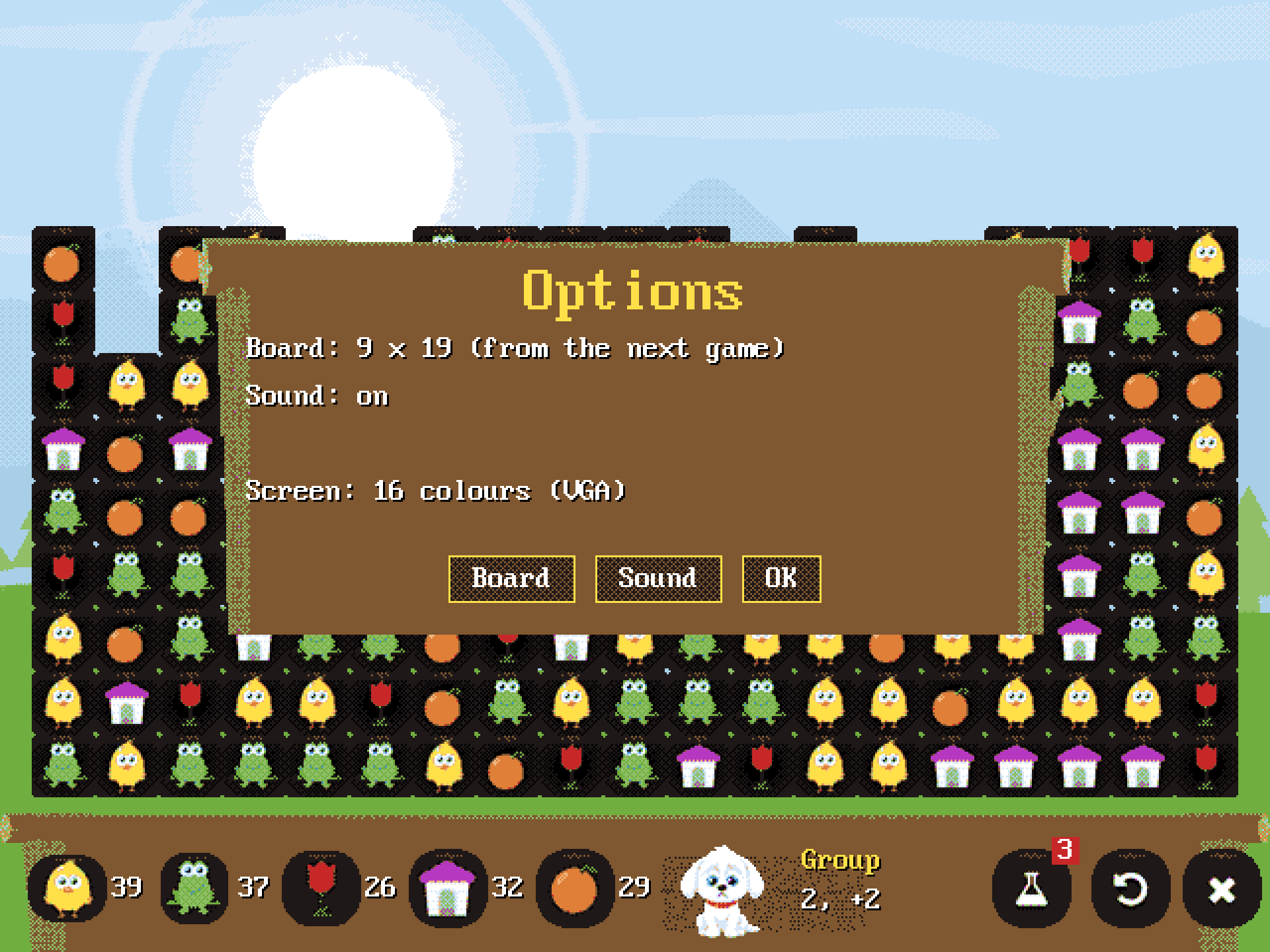
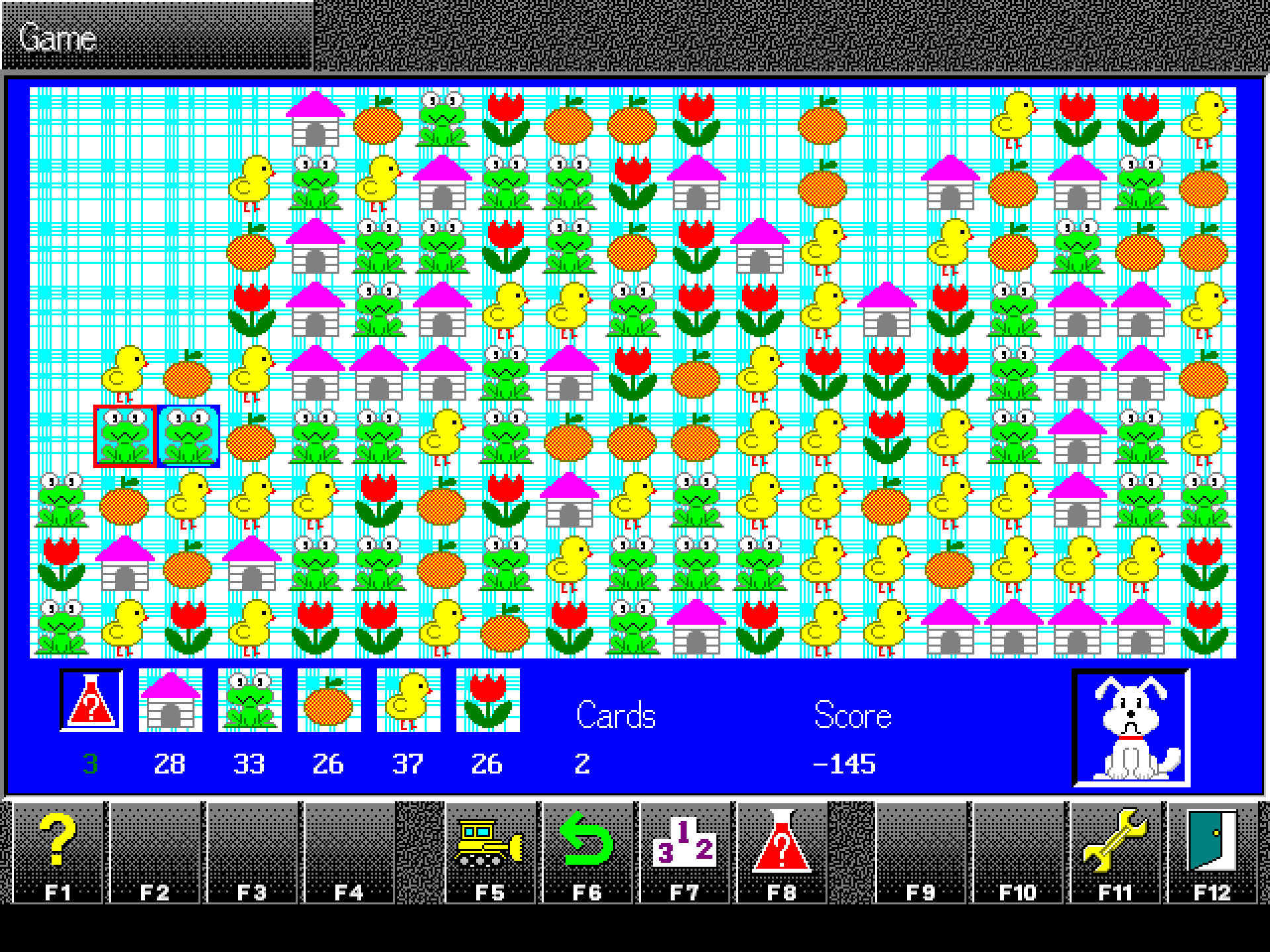
On any VGA card, in 16 colours
GAME shows 640 x 480 in 256 colours where the card has VESA, and otherwise in 16 colours, which every VGA card has. Options says which it is using, and GAME /16 forces 16 colours on any PC.
For PC110 owners
A little more to it
What you need
From the README
- A 386 or later. A 486 or better if you want hints and "Watch GAME play" to come quickly.
- At least 4 MB of memory.
- A VGA screen. GAME shows 640 x 480 in 256 colours where the card has VESA (almost every SVGA card from the mid 1990s on), and otherwise in 16 colours, which every VGA card has.
- MS-DOS 5 or later, PC DOS, FreeDOS, or DOSBox on a modern computer.
- A mouse and its DOS driver (MOUSE.COM or similar) if you want one. The keyboard alone plays everything.
- About 1 MB of disk space.
GAME has been tested in an emulated 486 (QEMU) running PC DOS, in both 256 and 16 colours. It has not yet been run on a real PC110.
Installing
On a DOS PC, or in DOSBox
On a DOS PC
- Make a folder for GAME.
- Copy every file in the zip into C:\GAME (by floppy, CF card, or however you move files to your PC).
- Change to the folder and type GAME.
C:
MD \GAME
   (copy the files into C:\GAME)
CD \GAME
GAME
Keep CWSDPMI.EXE in the same folder as GAME.EXE. If your mouse does not move the pointer, load its driver first (for example C:\DOS\MOUSE.COM).
In DOSBox
- Unzip into a folder, for example GAME inside a folder called DOS in your home folder.
- Start DOSBox and type the commands below (on Windows: MOUNT C C:\DOS).
- For quicker hints, set "cycles=max" in the [cpu] section of the DOSBox configuration file.
MOUNT C ~/DOS
C:
CD GAME
GAME
GAME keeps three small files of its own beside GAME.EXE: GAME.CFG for your settings, GAME.HI for your score tables and GAME.RES for an unfinished game, brought back next time. To remove GAME, delete the GAME folder. It changes nothing else on your computer.
How to play
The 1995 rules and scoring
The board is 9 rows of 19 tiles, as in 1995. Take groups of two or more touching tiles of the same kind: side by side or one above the other, not corner to corner. Tiles above fall into the gaps, and when a column is emptied, the columns to its right close up. The game ends when no group of two is left.
Scoring, as the 1995 original kept it
- Every tile on the board costs 1 point, so a new game starts at -171.
- A group of n tiles scores (n - 2) x (n - 2), and its tiles stop costing you, so two tiles are worth 2, five are worth 14, ten 74.
- Clear every tile of a kind for a bonus: 100 for the first kind, then 200, 400, 800 and 1600. The last kind to go empties the board.
- Undo takes back a move, as often as you like, for 10 points each.
- A potion turns one tile into a kind chosen at random, for 100 points. You have 3 a game. It can come out the same, and it cannot be undone.
The secret of a big score: choose one kind to keep and leave it alone. Clear the others around it, pairs and all, then take the kept kind last, once it has come together. Grabbing big groups early costs you the bonuses.
A good score earns a place in the top 20, with your name, how many undos it took and the date. A game in which you asked for a hint, or one that GAME played, is not scored. The board can be 9 x 19, the original, or 9 x 16, from Options; each size has its own score table.
Keys
The keyboard plays everything
| Mouse | click a group to take it; right-click to undo |
|---|---|
| Arrow keys | move the cursor round the board |
| Enter, Space | take the group under the cursor |
| Backspace | undo (also PgUp or U) |
| F1 | how to play |
| F5 | new game |
| F6 | replay the same board |
| F7 | score tables |
| F8 | potion: then choose the tile to change |
| F11 | options: board size and sound |
| H | a hint: GAME rings a group and says which kind to keep |
| W | watch GAME play the board (any key stops it) |
| F12 or Esc | leave; an unfinished game comes back next time |
Credits
1995, 2014 and 2026
- The original "GAME" (1995): IBM Japan and Lios Systems, for PersonaWare on the IBM PC110.
- This version: Seamus Waldron, 2014 and 2026, with artwork by Will Saunders (Studio Raygun) from the 2014 iPhone game.
- Built with DJGPP. CWSDPMI is copyright Charles W. Sandmann and is distributed unmodified. You have the right to its source code and to updates: both are at http://www.delorie.com/pub/djgpp/current/v2misc/ (csdpmi7s.zip is the source, csdpmi7b.zip the programs).
GAME for phones, tablets and other computers is at samegame.co.uk, the GAME website. The basic game also plays here in your browser. Questions to [email protected].
The PC110 exhibit also has the 2001 web version of GAME, playable in your browser, and the story of PersonaWare, where GAME began.